Mobile apps
iPhone, Android and cross-platform apps for customers, staff and teams in the field.

Robust app workflows for Darwin businesses, field operations and remote service delivery.
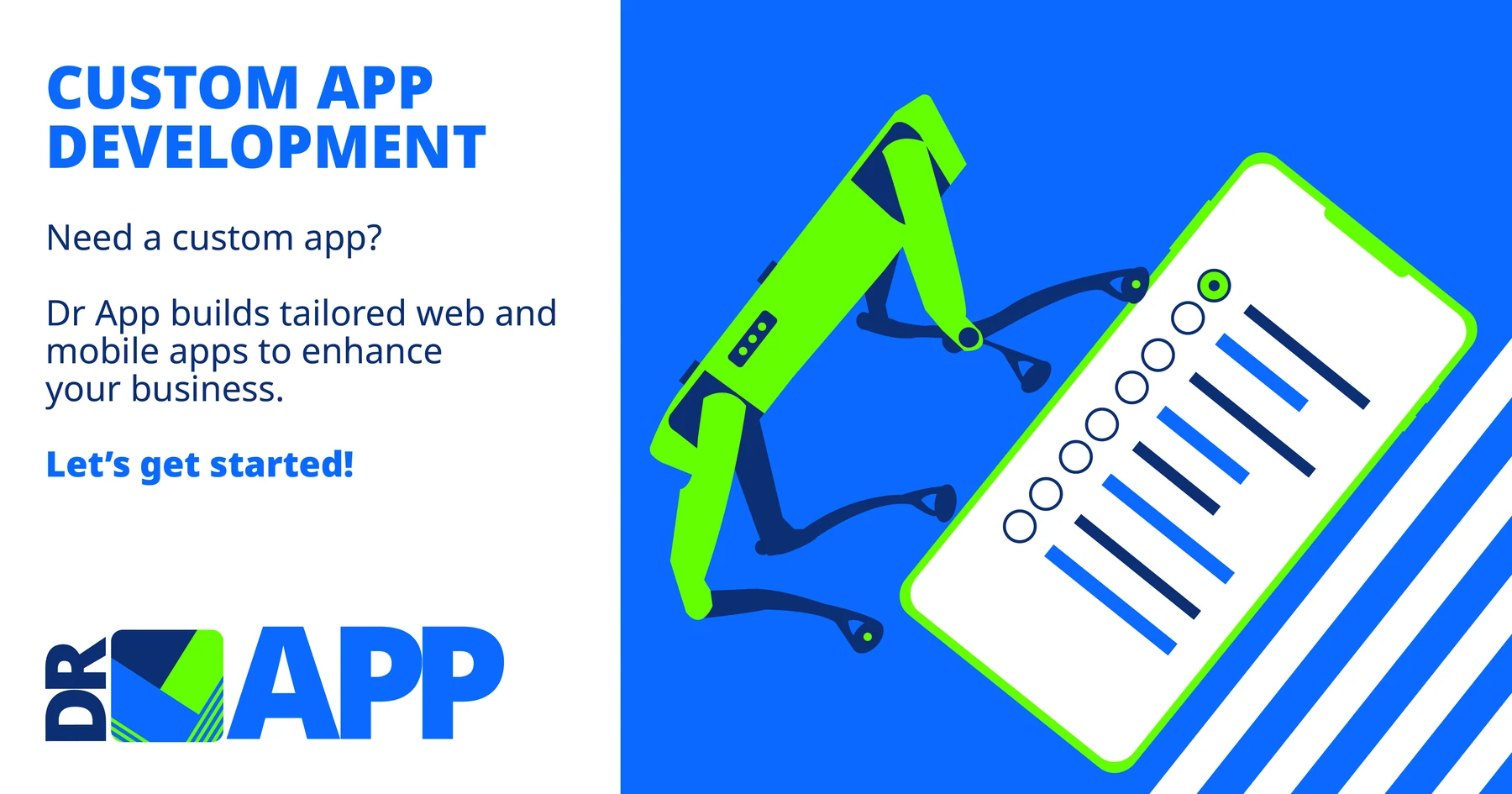
Darwin teams often work across mobile, remote and time-sensitive environments. Custom software can keep tasks, customer information, forms and evidence together while giving office staff a clearer picture of progress.
Across Darwin, Parap, Winnellie, Berrimah and Palmerston, we help businesses plan mobile apps and browser-based systems that are practical for teams in the field and simple to manage from the office.
Learn about the team →The technology is selected after the workflow is understood. A project may include one app or several connected experiences for customers, staff and managers.
iPhone, Android and cross-platform apps for customers, staff and teams in the field.

Secure browser-based systems for bookings, customers, documents, reports and internal operations.

Connect CRM, accounting, payments, booking platforms, notifications and internal systems.
Appointments, job allocation, availability, reminders and customer confirmations.
Mobile forms, photos, dashboards and management reports built around your workflow.
Launch support, hosting guidance, monitoring and planned improvement after real users go live.
Plan the smallest useful outcome, then add integrations and features where they create measurable value.
Clarify the users, workflow and first useful release before development starts.
A focused mobile or web app your customers or team can begin using.
A more connected solution with data flows, APIs and operational reporting.
Ongoing improvement after the first version is used in the real business.
Common projects combine customer access, staff workflows, administration and reporting.
Jobs, schedules, staff updates, photos, signatures and completion reports in one mobile workflow.
A customer-facing portal for availability, bookings, confirmations, documents and payments.
Structured inspections, evidence capture and branded reports without rebuilding documents manually.
We map the people, screens, roles, data and business outcome before development begins.
We turn the workflow into a clear interface and prioritise the smallest version that will be genuinely useful.
We develop the app, dashboard and required integrations, then test the complete workflow.
We prepare the release, support users and improve the product based on real-world use.
12 Salonika St, Parap NT 0820, Australia
Service area: Darwin, Parap, Winnellie, Palmerston, Berrimah and surrounding Northern Territory service areas.
Project discussions can be completed online, with clear workshops and documented decisions for everyone involved.
Yes. Connectivity, device use, synchronisation and support requirements can be considered during planning.
Yes. Mobile workflows can include photos, documents, signatures, timestamps and location data where it is appropriate and consented to.
Yes. Field apps are often paired with a browser-based dashboard for scheduling, review, reporting and administration.
Share the business problem, the people who will use the app and any systems it needs to connect with. We will come back with sensible next steps.